Your AI-enhanced sanctuary for deep reading
Save any web article, read it in a distraction-free reader, and let on-device AI connect it back to everything else you've read. Version 0.6.0 adds inline spaced repetition, semantic deduplication clusters, and older-library “Memory Lane” recommendations.
Desktop · iOS · browser extension · local-first · no account required
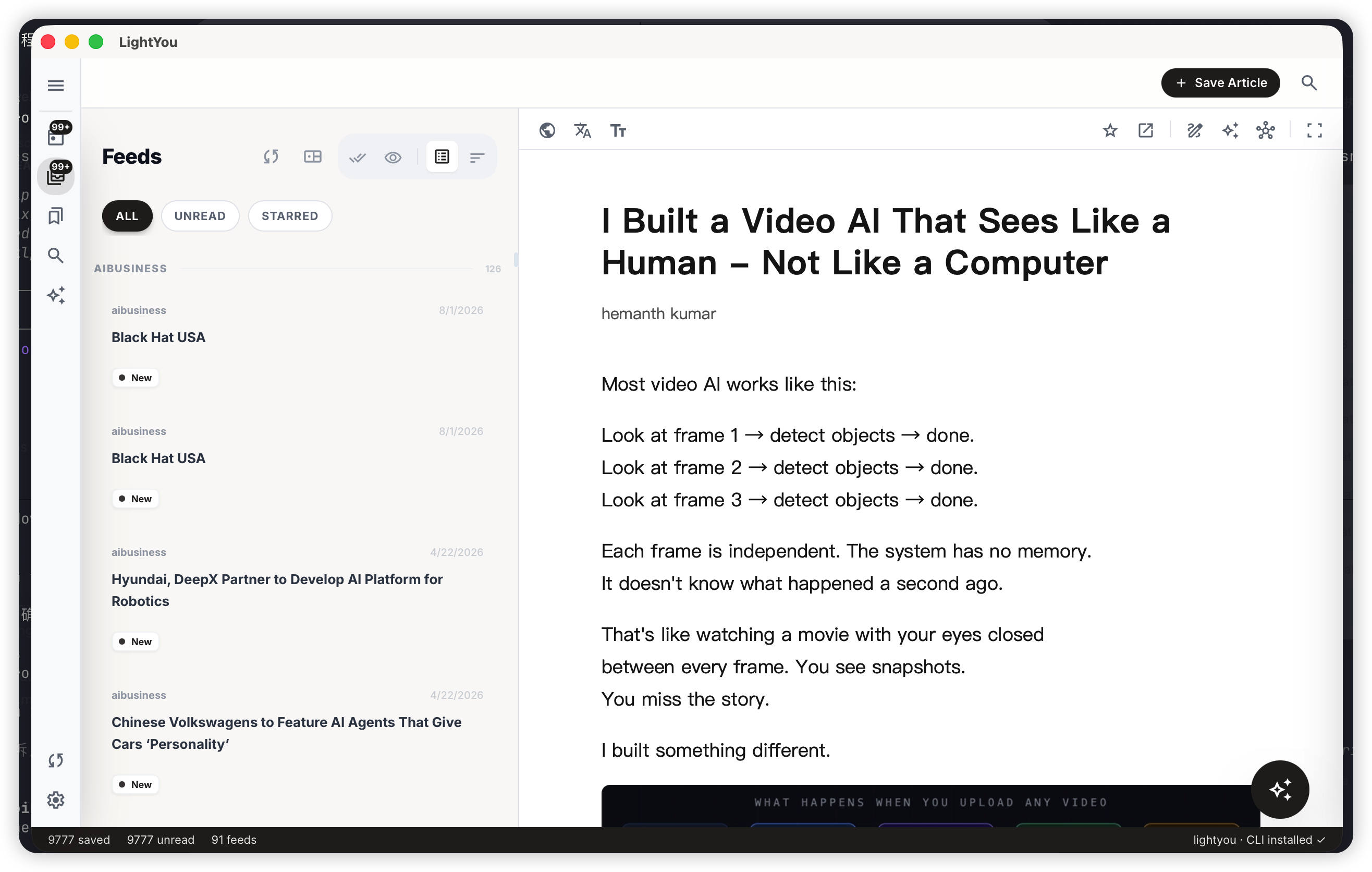
Built for people who read to think
Not another Pocket clone. Not another AI chatbot. A tool that respects the act of reading.
Local-first by default
Articles, highlights, and notes live on your device. No account, no cloud we control, no data broker. Uninstalling the app wipes everything it knew.
Own your sync
Bring your own WebDAV endpoint — Nextcloud, Fastmail, any S3-compatible provider with a WebDAV front. Zero vendor lock-in.
On-device AI
Transformers.js embeds your library locally so related-articles, topic folders, and semantic search work offline. Your reading never leaves the machine unless you opt in.
True reader, not a clipper
Mozilla Readability + Defuddle extraction, bilingual segmented translation, focus mode, serif / sans / mono with CJK, and keyboard nav (J / K / / / S / R).
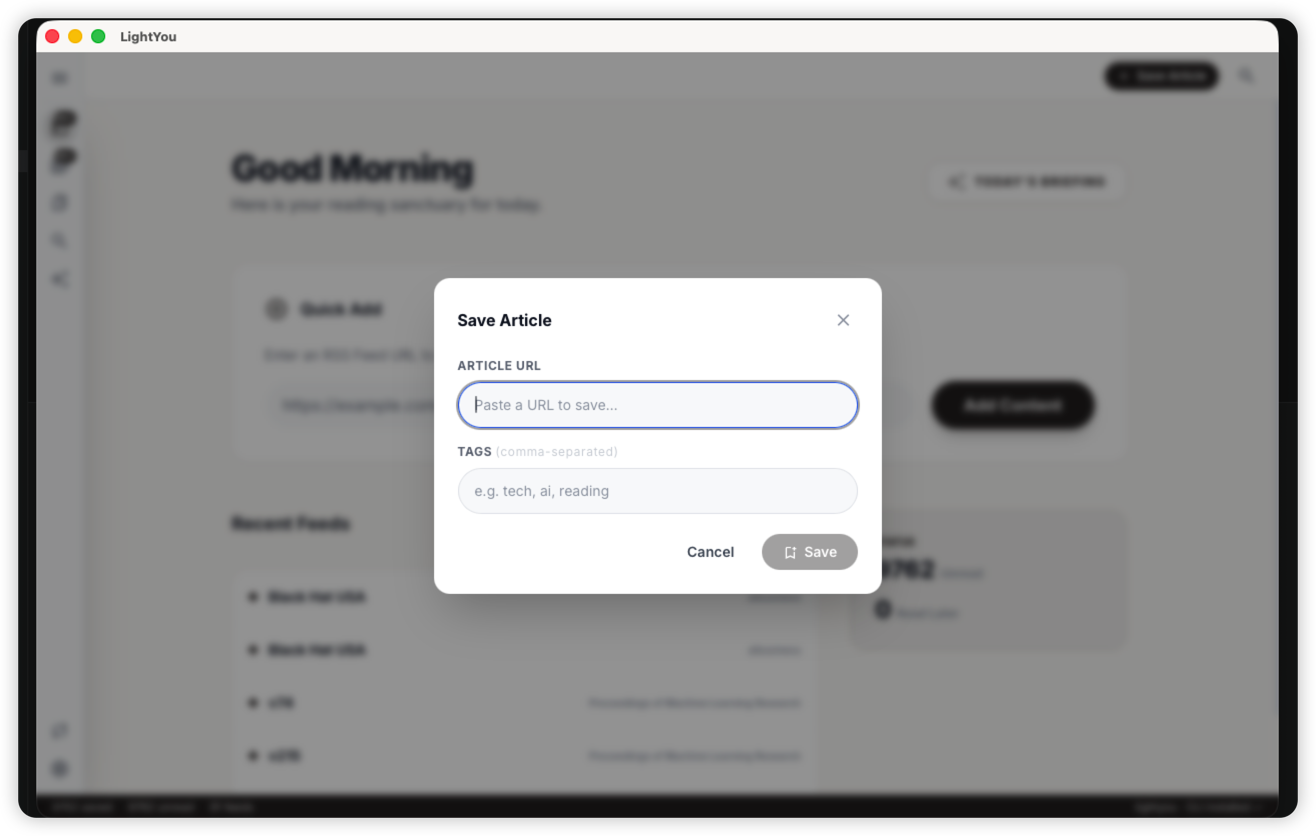
Save in one keystroke
Paste a URL, hit Enter, done. LightYou fetches the article, cleans it up, and files it under the right source automatically.
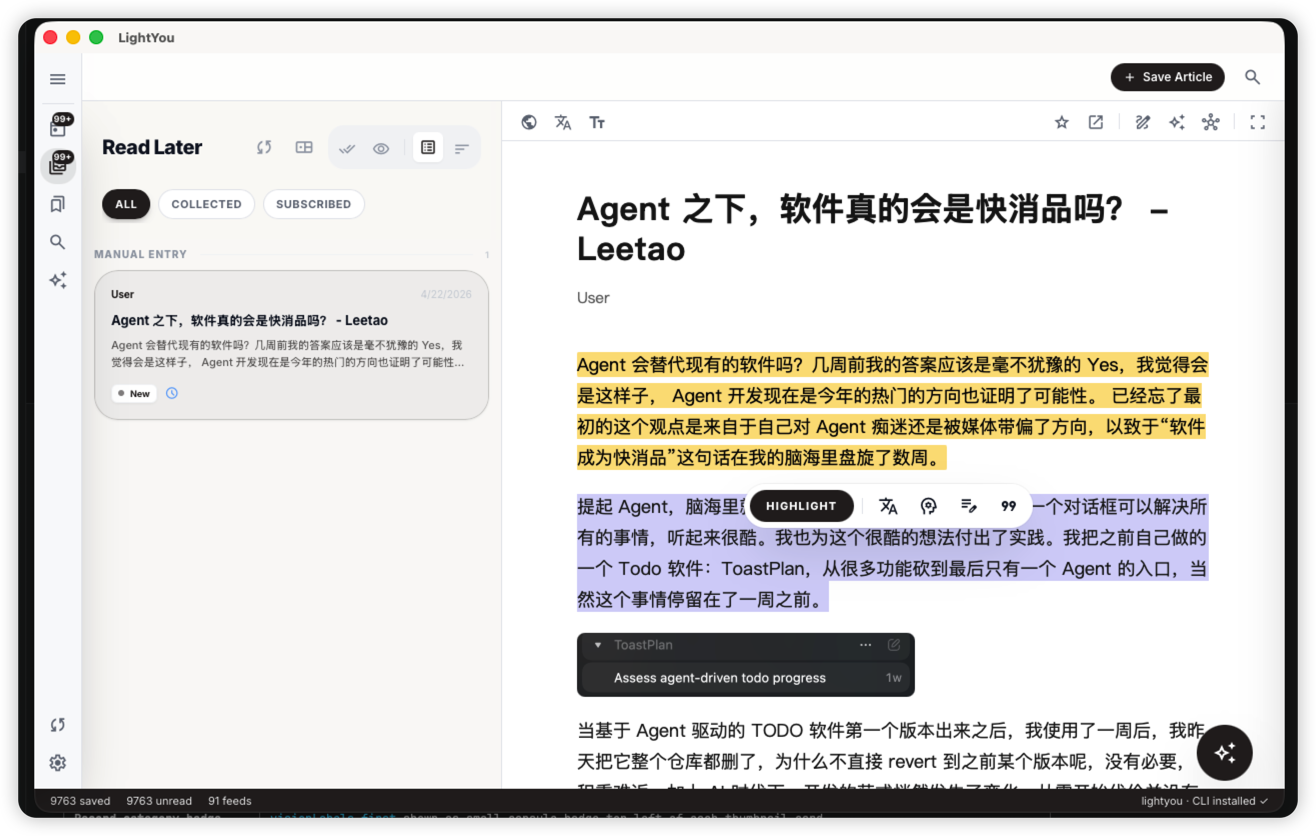
Highlight, annotate, connect
Drag to select any text to open the highlight toolbar. Notes live beside the text and back-link into your library.
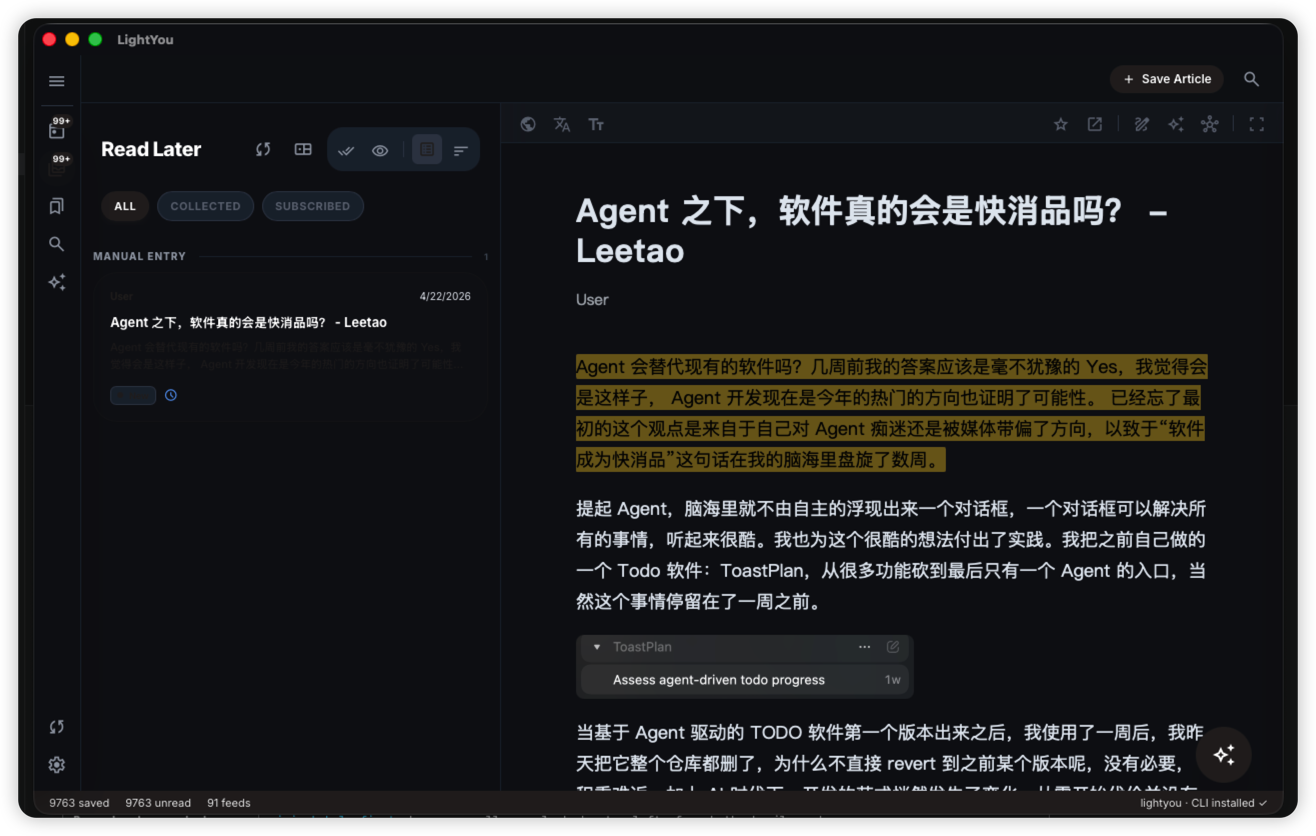
A theme that respects the page
Sepia, gray, or true dark modes. Typography kept deliberate: serif / sans / mono with proper CJK fallbacks.
Download LightYou
Version 0.6.0 · early alpha. The app will auto-update itself from this release onward.
Inline review, smarter clusters, better memory prompts
This release adds article-end flashcard review, bento-style semantic deduplication cards, and cross-time recommendations that resurface older related reading.
macOS
Download →Apple Silicon (M1+)
First launch: right-click → Open (unsigned alpha).
Windows
Download →10 or newer · x64
SmartScreen: More info → Run anyway (unsigned alpha).
Linux
Download →x64 · AppImage / .deb
Also available: lightyou_0.6.0_amd64.deb · lightyou-0.6.0-1.x86_64.rpm
LightYou on iPhone and iPad syncs with desktop through your own WebDAV server — same library, read anywhere.
Chrome and Edge extension. Right-click any page, or hit the toolbar button, to drop it into your WebDAV inbox — the desktop app picks it up on the next sync.
Not yet in the Chrome Web Store. Extract the zip, open chrome://extensions, flip on Developer mode, then Load unpacked.